Practice Typing Professional Office Documents
Practice Typing Professional Office Documents as a Typist is very important. It not just enhance the document but elevates the reputation of your Company.
I don't mean just typing a document using the regular margins, font size or using layout with that black and white appearance daily.
You can do much more to that document, so that it will have that professional style that friendly clean simple attractive layout to the readers.
Practice typing professional office documents is here to assist you in typing your documents with that professional look. You will learn how to format documents using the latest formats, templates that you can store and use again, also cloud storage, page backgrounds and even use Word and PDF, not forgetting keyboard shortcuts and building your speed for accurate typing with self confidence.
I can also assist you with your typing posture which can be the cause of your eye strain and wrist pain when typing for long hours at the office. This can also be the cause of your increase in stress at the office each day.
Practice Typing Professional Office Documents
It is good to make sure that you can type other documents in a professional style that you know the Company may ask you to create as time goes by. They may be
- Newsletters
- Reports
- Legal Documents, etc.
That is why we are happy you have reached this stage in your typing career where you want to learn how to create professional office documents.
Even if you lose your job you can set up your own typing business and type professional office documents for the public. Such as school projects. Think of
- fliers for events,
- sales promotions
- invitations for weddings, parties etc.,
- business cards for companies, clubs, etc,
There are a wealth of professional layouts for you to get acquainted with to satisfy the needs of your customers.
Practice Typing Professional Office Documents
Where to start?
Practice Typing Professional Office Documents
Speed and Accuracy
Practice typing professional office documents can assist you with your speed and accuracy. They are very important because of deadlines. How are you doing with your speed? Do you find yourself making too many errors? Do you find that you are typing too slow or are not sure of the spelling of certain words? This is the time for you to practice your speeds and get acquainted with the spelling of words correctly.
Whether you type for long hours or daily you must have a checklist to protect your health. You need to know what you must first carry out before you start typing. It is important to have a checklist.
That checklist must be located on your desk or on a notice board next to your computer to remind you of your posture when typing. Its all about your health. Do you have one? If not here are some tips you can follow right now before you create your document.
Practice typing professional office documents
Checklist before typing!
- Choose a chair with a back support
- Sit with your back supported by the chair
- Make sure your feet are not hanging but flat on the floor
- Your eyes should be in line with the monitor screen
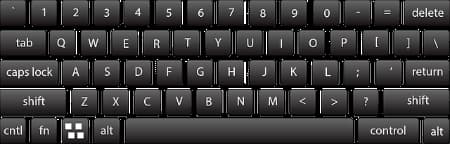
- Your fingers should be on your home row keys(asdf lkj)
- Your fingers should also be in a curved position
- Your wrist should not touch the keyboard or desk. It should be floating.
- Your elbows should be tucked in.
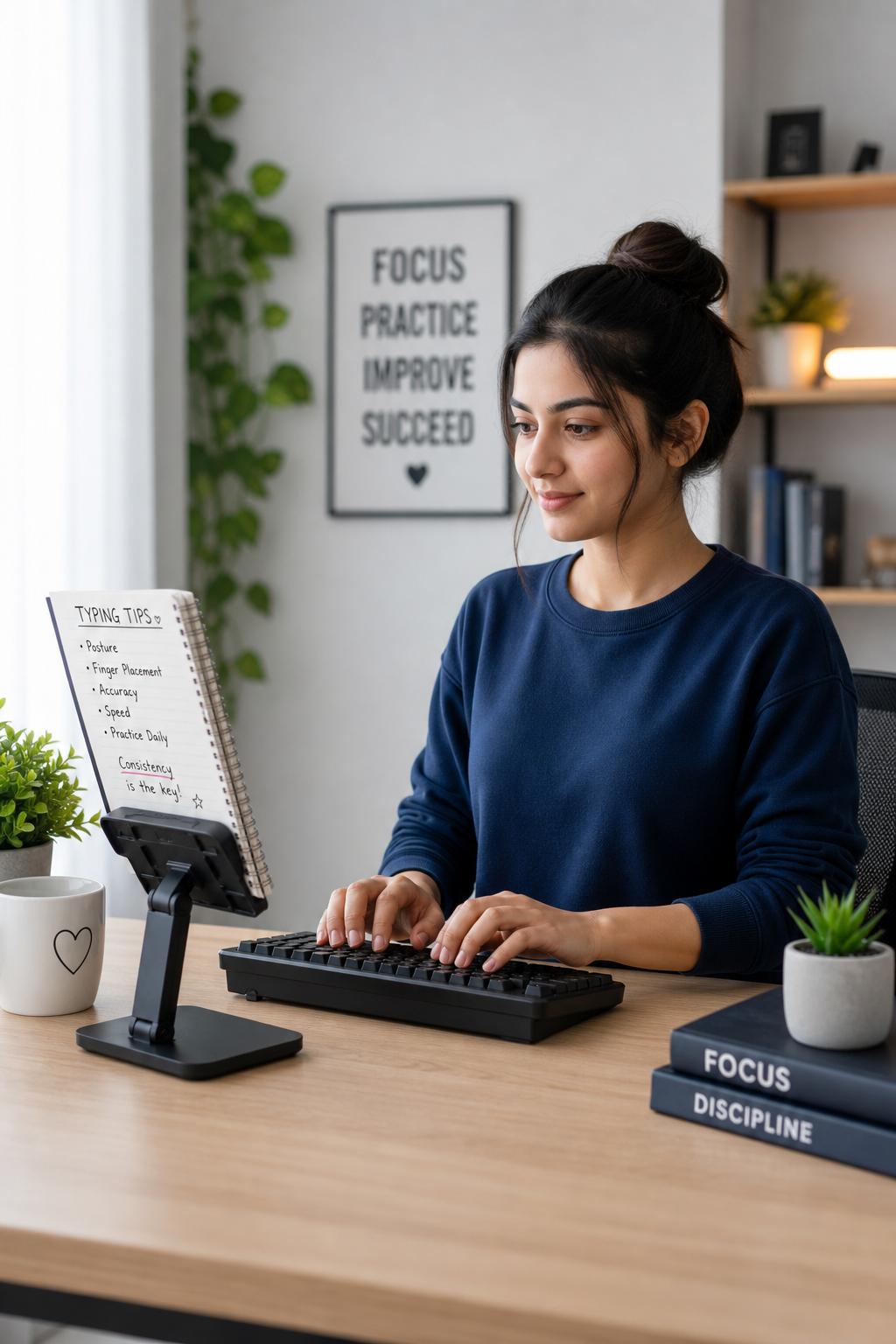
The typing image below gives you an idea as to your typing posture before you start typing.
Use this pattern every day before you start typing. Always remember your health is your wealth so it comes first.
Practice typing professional office documents
Sitting Position
This website practice typing professional office documents can assist you all the way in creating professional office documents quickly and accurately.
You will make errors because errors are there to be made in everything, we are learning to do or are doing but do not give up. Make the necessary corrections and move on.
You can now navigate through this site to get acquainted with office documents. Learn how to layout and type them with confidence and accurately.
There are also speeds for you to practice in order to improve your typing speed and complete your task faster and error free.
Let's begin!
A Keyboard
Check the links below for more information on your typing posture when typing professional office documents.
Subscribe Now
I invite you to keep up to date with the latest blog articles on typing. Why not fill out your name and other information in order to be updated with our latest articles.
Social Media
You can also Share or Like us on our social media sites when you click on the social media buttons.
Recent Articles


-
Practice-Typing Office Health
Practice typing offers a checklist for all typist to make a copy and always check daily to reduce physical strain whilst typing at their work station. -
Practice Typing And Coronavirus
Practice typing and coronavirus which is a global pandemic, can be very challenging for the office staff who has to travel to the office and use a computer. -
Learning To Type
I wanted to learn got type at the tender age of 14. In fact, I got very annoyed with my mother over it. Strange, but true. It was the school holidays,