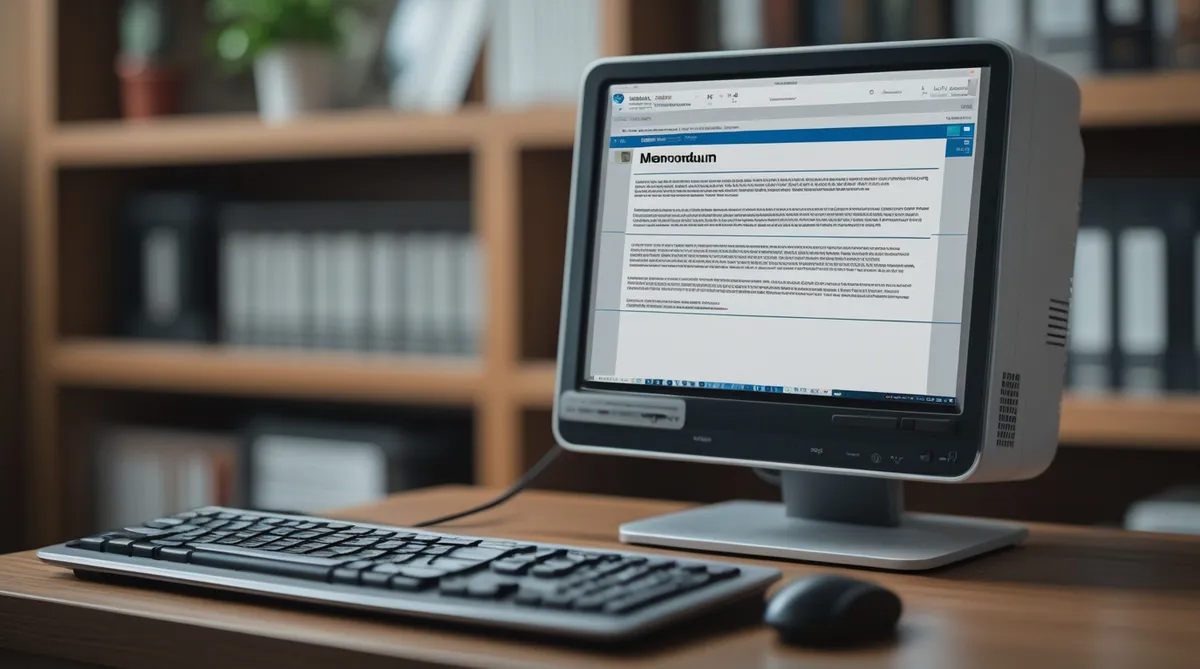
Practice Typing Documents Using Templates
You can practice typing documents using templates. They are ready-made format or layout in varieties of each business document you are going to create.
Practice typing documents using templates can assist you in choosing from a variety of layouts to suit your document format. Various features are:
The Theme that affects the color fonts and other elements to your document.
There are also Quick Styles that can change the look of your document.
The Building Blocks which are ready-made text you can customize and insert to certain parts of your document.
You do not have to worry as to where you can have access to these templates. It is very easy to access especially in the updated Word and other programs which provides a number of built-in templates that you can use to type each of your documents at home or at the office.. It can also be found online. There you will find a wide range of styles and formats.
Practice Typing Documents Using Templates from the New Document Dialog Box
To have access to your Word template goto your Ribbon in your Word program and choose File to display Backstage View.Then chose New. You will see your first new page which is a Blank document. Under this page is a Tour of the variety of templates in your Word program.
Why not go to your Word Program and take this tour clicking the right hand arrow to read and get acquainted with the different word templates and its layout inormation.
Practice Typing Documents Using Templates Layouts
When you practice typing documents using templates from your Word Program you will see different paper sizes to suit the layout of the document which are shown in the template window. You will find a wide variety of layout such as landscape or vertical layout, there are also placeholders you can move around to suit your displays. You have to choose according to what you are going to create in Word program if you are using the template. They have a professional outlook both in color, font and layout.
You will also find
- Layout or Styles
- Headings
- Fonts
- Themes,
- Color etc.
They will make you Waw! You can even save them for future use. They can be adjusted by changing the color of the headings and even the font styles, etc. Why not try it first before you use it for your typing assignment.
Practice Typing Documents Using Tamplates Why?
Practice typing using templates involve having a knowledge of the different types of business documents that are being used in the office and knowing their layouts, margins, headings, etc. in order to use their templates. We must surely know how to type documents using templates even before we start working in the office.
There may be times when we are hired to work and after a long time not being able to prepare documents or we may forget how to create them. Well, that is what this website practice-typing.net is here for. I can assist you in using templates for all kinds of documents.
Practice Typing Documents Using Templates - Which Documents?
Some business documents to practice typing using templates that are mostly used in the office are:
- Letters,
- Memorandum,
- Minutes of Meetings,
- Agenda.
Sometimes it is according to the type of business you work for that you may have to choose a certain style of template; because they vary in one documents.
Take for example if you are employed at a typing service company you will have all types of templates for documents to type for all types of people. Some may hire you to type:
- a letter,
- a resume,
- an agreement,
- children at school may hire you to type out projects
Whatever their circumstance it is good to have a knowledge of how to lay out these these documents using a template accordingly. It is important to know when to choose color background, headings and even the font style according to the event.
Practice Typing Documents Using Templates - How to Add a Template?
Recent Articles


-
Practice-Typing Office Health
Practice typing offers a checklist for all typist to make a copy and always check daily to reduce physical strain whilst typing at their work station. -
Practice Typing And Coronavirus
Practice typing and coronavirus which is a global pandemic, can be very challenging for the office staff who has to travel to the office and use a computer. -
Learning To Type
I wanted to learn got type at the tender age of 14. In fact, I got very annoyed with my mother over it. Strange, but true. It was the school holidays,